Features
Bring your Slack workspace with you.
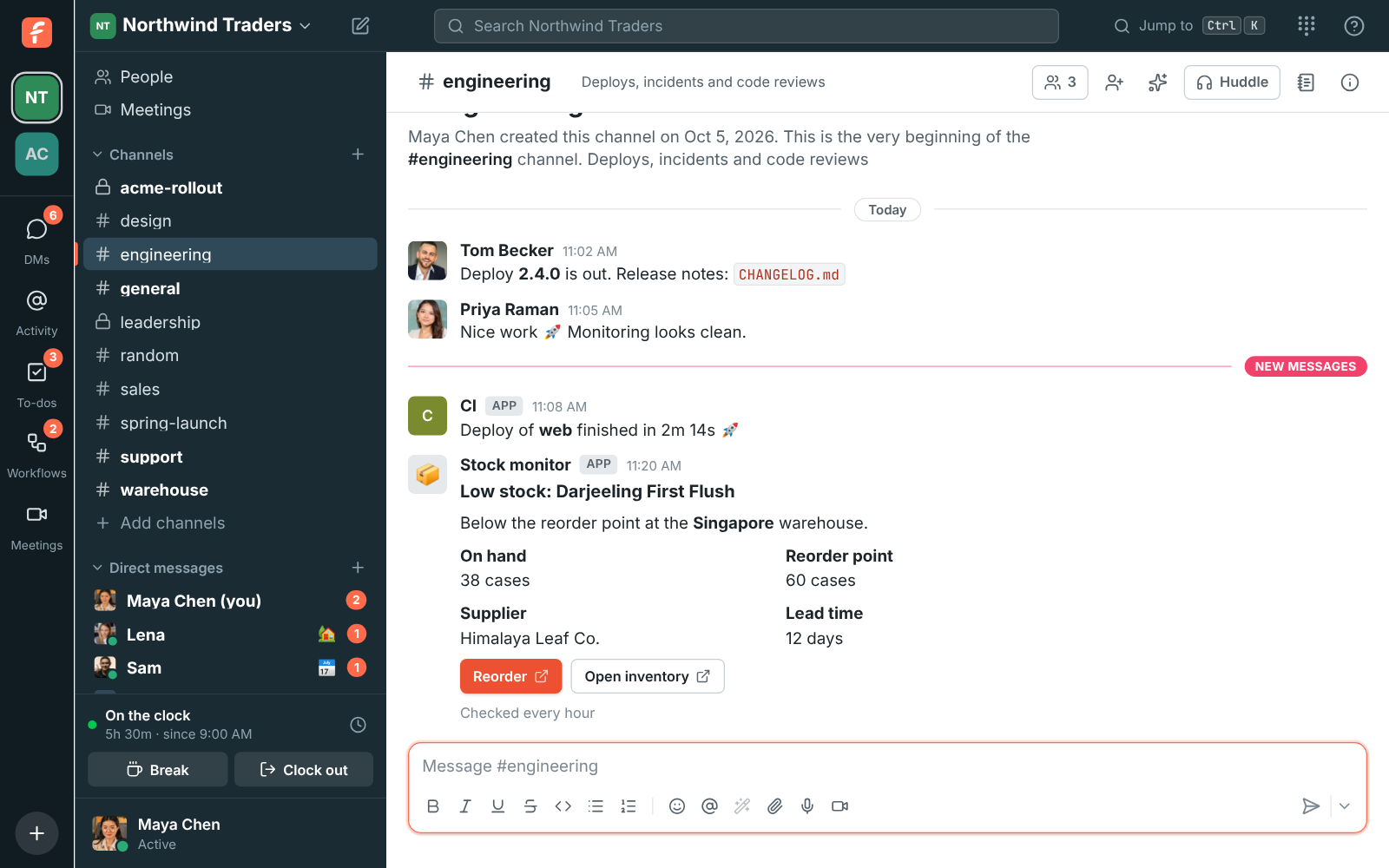
Freesbe imports a Slack export: people, public and private channels, DMs, messages, threads, reactions, mentions, files and profile pictures. People who aren't on Freesbe yet get an account with their history waiting. Incoming webhooks accept Slack's format too, so integrations move with a new URL.
Export from Slack, upload to Freesbe
An admin exports the workspace from Slack, then uploads the zip in Workspace settings, Import from Slack. You can close the window once the upload finishes, and the import keeps running.
- Progress shows for each step: people, channels, messages, threads, files
- Importing the same export again duplicates nothing
- Stop an import and keep what was brought over so far
Everyone's history, waiting for them
Each person in the export gets a Freesbe account that holds their messages. They take it over with a sign-in link sent to their email, so nobody can claim someone else's messages.
Integrations move with a new URL
Tools that post to a Slack incoming webhook can post to a Freesbe one instead. Freesbe reads the same JSON, including text, blocks, attachments and the username and icon, and answers ok like Slack does.
Questions
- What does the import bring over?
- Whatever your Slack export contains. A standard export usually has public channels only. Exports with private channels and DMs are available to owners on some Slack plans.
- Where do I start a Slack import?
- An owner or admin opens Workspace settings, Import from Slack, and uploads the zip that Slack exports.
- Which plans include Slack import?
- Business and above. Corporate also includes help moving from Slack.
- Will channels be merged with ones we already made?
- A Slack public channel with the same name as an existing Freesbe public channel is merged into it.